
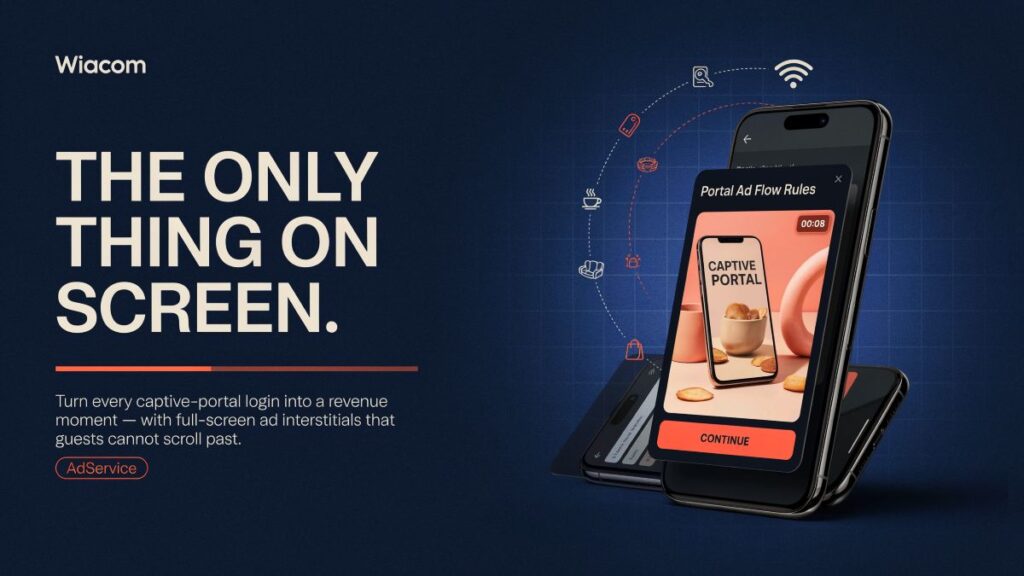
In digital advertising, “captive attention” is a metaphor. On a WiFi splash page, it is literal.
When a guest connects to a venue’s WiFi, they must interact with the captive portal to get online. They cannot scroll past it. They cannot skip it without losing connectivity. They are holding their phone, waiting, with nothing else to do. The ad that appears in that moment is not competing with a social feed or a search result — it is the only thing on screen, by necessity.
Most venues let this moment pass unused.
Two ways to turn it into a revenue channel
Depending on how a venue’s WiFi is set up, there are two distinct products for deploying ad interstitials at login.
Portal Ad Flow Rules — for venues running Wiacom portals
Portal Ad Flow Rules is a native Wiacom feature that injects full-screen interstitial screens at configurable points in the captive portal user journey. Not a banner alongside the registration form — a full-screen takeover that pauses the flow, shows the ad, and then continues.
Placement options include first redirect, before registration, after registration, before authorisation, and several others — eight configurable trigger points in total. Each rule is independently configured: ad URL, countdown timer, auto-redirect or manual continue, skip option, branding, and copy.
Because it is embedded in the Wiacom portal flow, it requires no external integration. Enable a rule, set the ad URL, configure timing. Done.
AdService — for any captive portal, any vendor
Wiacom AdService takes the same interstitial capability and makes it available to any venue running any captive portal — not just Wiacom.
Integration requires adding a single line to the existing portal: a JavaScript snippet, an iframe, a REST API call, or a redirect to the AdService interstitial URL. The venue’s existing portal, hardware, and RADIUS setup are unchanged.
This matters because the market for guest WiFi is fragmented. Thousands of venues run captive portals built on MikroTik, Cisco, Ruckus, Cambium, Ubiquiti, or BNG/RADIUS infrastructure — with portal software that has no native ad capability. AdService gives all of them a monetisation layer without replacing anything.
What the ad delivery engine handles
CNA browser limitations — the iOS Captive Network Assistant opens a mini-browser with no persistent cookie jar. Cookies must be set with specific flags to survive the CNA session. AdService handles this natively; most ad platforms do not.
HTTP-only environment — captive portals operate over HTTP before the guest is granted internet access. Standard HTTPS-only cookie and tracking configurations fail silently in this environment. AdService’s tracking infrastructure is configured for HTTP without sacrificing security or measurement accuracy.
Ad formats supported
- Image — JPG, PNG, WebP, GIF static banners
- HTML — rich media, animated, interactive, countdown timers
- Video (hosted) — MP4 with quartile tracking (25/50/75/100%) and skip detection
- Video (external) — self-hosted video with the same event tracking
- Video (Vimeo / Wistia) — embedded players with full event pipeline
The revenue model
Direct tenant advertising — shopping centres, mixed-use properties, and hospitality groups sell placement to their own tenants or brand partners. The venue retains revenue directly.
Sponsor campaigns — a venue’s loyalty partner, food & beverage partner, or corporate sponsor runs branded content to connected guests as part of a broader commercial agreement.
Network monetisation — WiFi operators and ISPs aggregate inventory across multiple venues and sell it as a network to advertisers or agencies, with location-targeted delivery and consolidated reporting.
In all three models, the inventory already exists — it is the splash page traffic that every venue already generates, currently generating no revenue. The incremental cost of adding an ad layer to existing infrastructure is near zero.
Reporting
Both products provide real-time reporting: impressions, clicks, CTR, fill rate, video completion, device and browser breakdown, new vs returning device detection, repeat exposure per device, and no-fill analysis by slot and time of day. AdService includes an interactive location map showing ad volume by venue across the estate.
Portal Ad Flow Rules is a native feature for venues running Wiacom captive portals. Wiacom AdService is a vendor-agnostic ad delivery layer that integrates with any captive portal via JS snippet, iframe, redirect, or REST API.
Learn about Portal Ad Flow Rules → · Learn about AdService → · Request a demo →
